
Zero Monthly Fees
Say Goodbye to Tedious Booking Management—It’s All Automated
From receiving bookings to calendar registration and sending reminders—it’s all handled automatically.
You can focus entirely on your core business!
Free trial available — no auto-renewal, so you can try risk-free!
Do You Face Any of These Challenges?
- Worried about double bookings or miscommunication when accepting reservations via email or LINE
- No time to manually add bookings to your calendar or send confirmation emails every time
- Finding it a hassle to handle rescheduling or cancellations
- Customers sometimes forget or misunderstand their appointment times, but you don’t send reminders—so it’s hard to hold them accountable
- Monthly subscription booking systems are too expensive, but manual management is overwhelming
This tool solves it all!
You’ll enjoy the following benefits
Once you implement this tool…
Booking acceptance
Cancellations / changes
Calendar registration
Sending reminder emails / follow-up emails
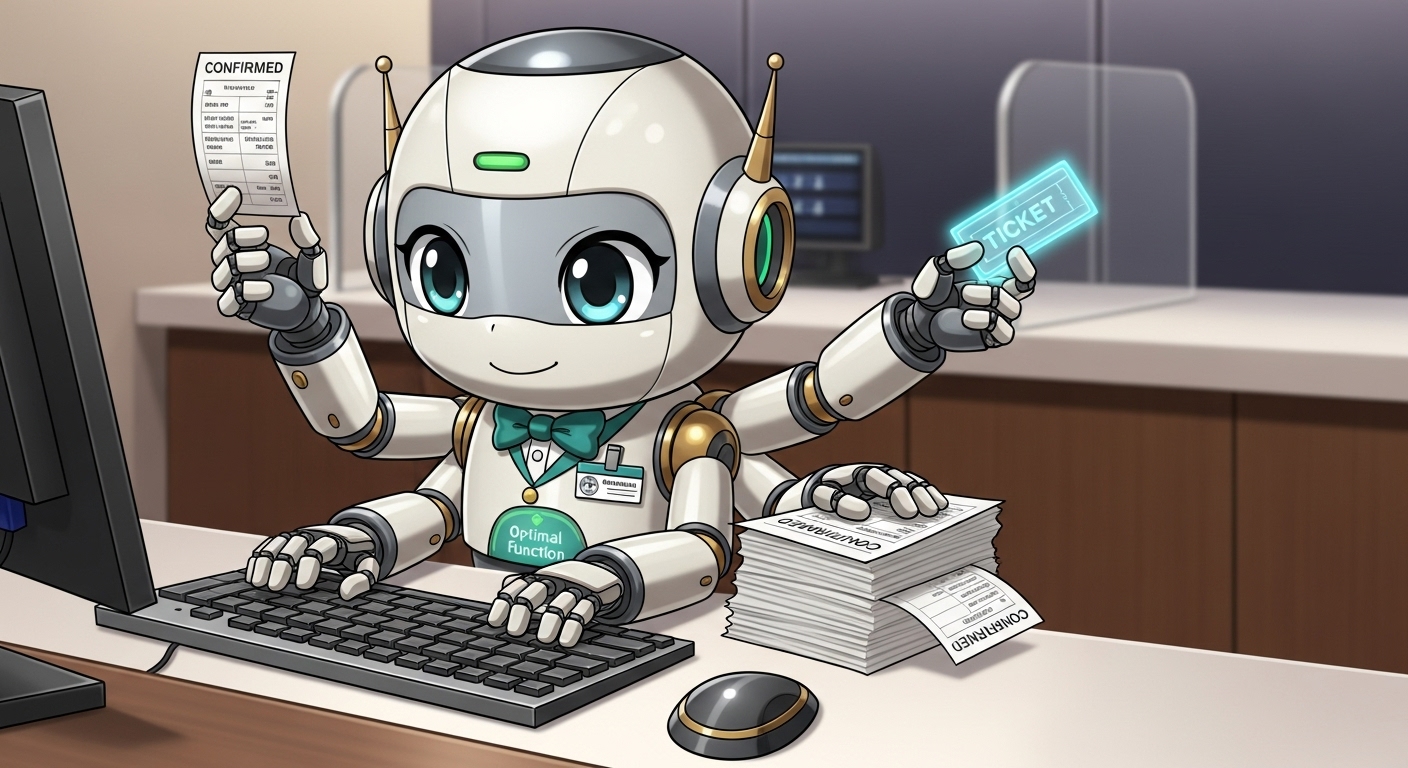
All of this is handled automatically—as if you had a dedicated booking assistant.
- Free yourself from tedious booking management and focus on your core business and customer service
- Accept bookings 24/7/365—never miss a revenue opportunity again
- Customers can handle all changes or cancellations themselves
- Say goodbye to double bookings or missed appointments—reduce mental stress significantly
- Automatically send follow-up emails—for example, the next day or one week after the appointment
Key Features
Easy to use—built with familiar tools
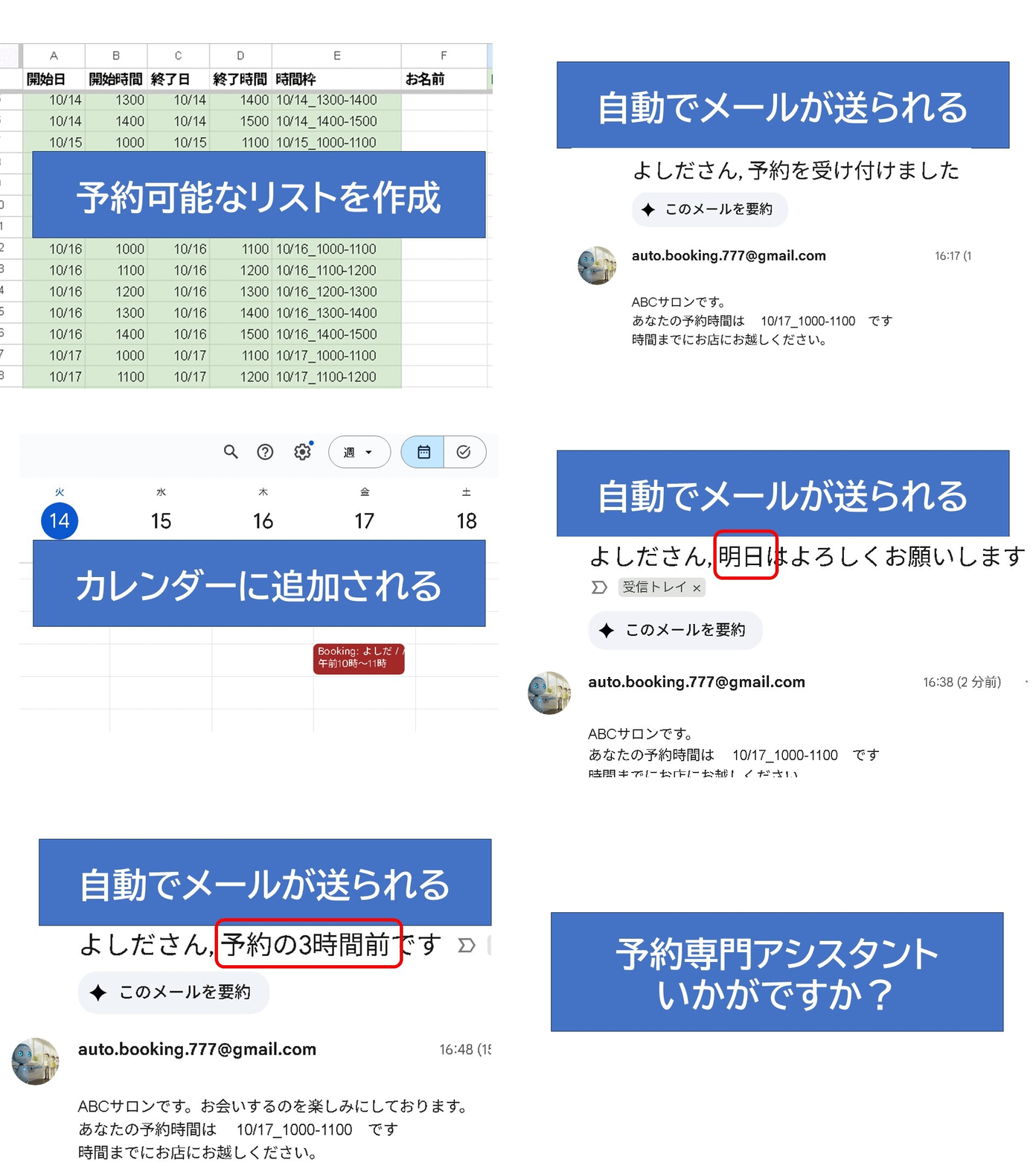
Because it’s built entirely with Google Sheets, Google Forms, and other tools you already use daily, there’s no learning curve.
Just set your available time slots in the sheet, share the form—and everything else runs automatically.
Here’s how it works:
Because we want to help as many people as possible
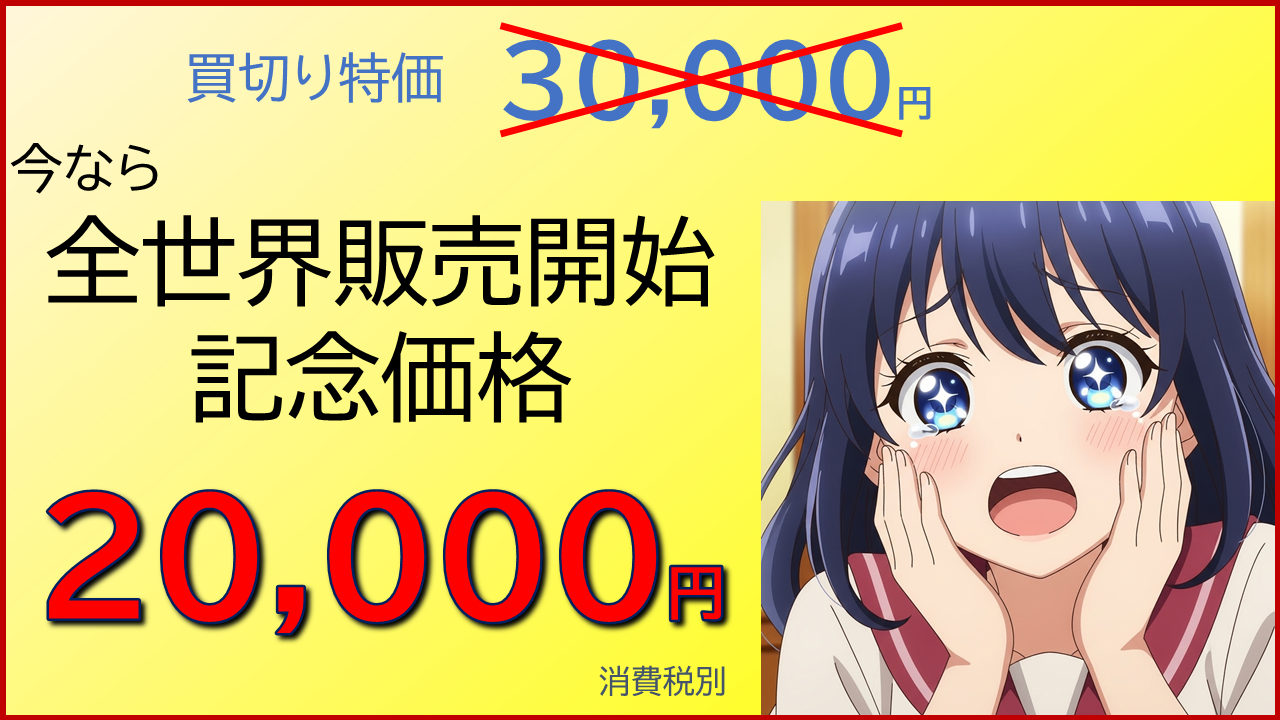
One-time purchase price (excluding tax)
USD300
Monthly plan also available
(USD15/month)
What Our Customers Say

Simple and Easy to Understand
I used to pay ¥3,000/month for a booking service, but it didn’t send confirmation emails—only managed bookings. Plus, the interface was cluttered and confusing.
This system, on the other hand, is beautifully simple. Just by looking at the screen, I immediately understood how it works. It automatically notifies me of new bookings and sends reminders without any effort on my part. It’s actually more feature-rich than my previous service—and costs far less! (Nail Salon Owner)
I Wish I’d Found This Sooner!
I’m naturally frugal, so I always handled bookings manually via email and LINE instead of paying for a system.
When I saw this tool offered a free trial, I gave it a try—and was blown away by how simple and powerful it is. I purchased it immediately.
A one-time payment for lifetime use? I’ve never seen such incredible value elsewhere! I really wish I’d discovered it earlier. (Online Instructor)


No-Show Appointments Have Dropped Dramatically!
We used to have 1–2 customers every week who’d show up on the wrong day or forget their appointment entirely. I had no time to send confirmation emails, so I just accepted it as unavoidable.
Now, the system automatically sends multiple reminder emails at times I specify. Last month? Not a single mix-up! My idle time has vanished, and efficiency has soared.
Customers also tell us, “The reminder emails really help me remember!”—so satisfaction has improved too. Even my staff spends far less time answering booking-related calls. It’s made a huge difference. (Beauty Salon Owner)
The Reminder Feature Is a Game-Changer!
The ability to automatically send reminder emails is incredibly useful. And since I can fully customize the email content, I can include important pre-visit instructions—many customers read them beforehand, which saves explanation time in-store.
Even more impressive is the post-visit follow-up. At first, I thought I wouldn’t use it—but after sending thank-you emails with discount coupons, several customers referred friends! Recently, I tried sending a “come back in one month” email—and got an immediate booking! All of this runs automatically. It’s truly amazing. The fact they offer a free trial shows real confidence—I highly recommend it! (Infrared Sauna Operator)


Zero Hassle with Scheduling!
Previously, we’d receive web inquiries, then email back 2–3 proposed time slots, wait for replies, and repeat—often delaying other scheduling. Sometimes, by the time a client confirmed, the slot was already taken, requiring another round. And for online consultations, no-shows were far more common than in-person—so reminders were essential.
This tedious back-and-forth was a constant stress. I proposed adopting an affordable booking system, and we chose this tool.
Now, the system automatically sends the consultation link, our intro video, post-meeting materials, and product offers—all via automated emails. Best of all, about half our clients watch the intro video beforehand, so our actual meeting time is shorter. I confidently recommend this to any business still managing appointments via email. (Seminar Sales Manager)
Frequently Asked Questions
Q&A
Q
I’m not tech-savvy—can I still use it?
A
As long as you can perform basic data entry in Google Sheets—and ideally have created a Google Form before—you’ll be fine. Just follow the included instructions. No programming knowledge is required.
Q
Are there really no monthly fees?
A
If you’re on Google’s free plan, automated emails are limited to 100 per day. Within that limit, there are no additional costs beyond the one-time purchase (excluding your own internet/data fees). If you need more than 100 emails/day, consider upgrading to Google’s paid plan or a specialized service.
Q
Can I send messages to customers via LINE instead of email?
A
Not currently. While technically possible, it would require complex setup that most business owners couldn’t manage independently. Additionally, LINE charges usage fees, which conflicts with our goal of zero-cost operation. We have no plans to support LINE at this time—please consider alternative services.
Q
Do I need to manually process cancellations?
A
No. Customers can cancel or reschedule their own bookings directly—no action required from your side.
Q
Does it support payment processing?
A
No, this tool does not include payment functionality. However, we can build a custom paid integration for you upon request—please contact us for details.
Q
When are reminder emails sent?
A
You can customize the timing simply by editing numbers in the sheet. You can send up to 10 reminder or follow-up emails. See the manual for details.
Q
I run small-group classes (max 3 people per slot)—can I use this?
A
Yes! For example, create three slots like “Dec 25 10:00–11:30-A”, “Dec 25 10:00–11:30-B”, and “Dec 25 10:00–11:30-C”. See the manual sent after your trial signup for more details.
Q
Will I be automatically charged after the trial period?
A
No. You will only be charged if you explicitly purchase a license. If it’s not right for your business, simply leave it as is—no fees will apply.
Q
If I don’t purchase a license during the trial, will it stop working?
A
No. You can purchase a license anytime—even after the trial ends—and the system will become fully functional from that point onward.
Q
How is customer data protected against leaks?
A
We have no access to your Google Sheet data unless you explicitly grant us permission. Therefore, there is no risk of data leakage from our side.
You are solely responsible for managing customer data. Google Sheets allows you to control sharing settings—grant editing or viewing access only to trusted individuals.
Q
I can’t set it up myself—can you help me?
A
We provide a detailed, illustrated manual for self-setup. If you’re still stuck, we offer paid setup assistance—please contact us separately.
How to Get Started
1
Sign Up for the Free Trial
Follow the setup instructions sent by email. Quick users can complete setup in as little as 5 minutes.
2
Try It Out Yourself
The trial has no feature limitations. Test it thoroughly—make bookings, cancel them, and see how it works.
3

Purchase If You’re Satisfied
If you decide to continue, proceed with your purchase.
Even after the trial ends, you will never be charged automatically—so you can try with peace of mind.
Small AI Japan Inc., 7-7-2 Kitakogane, Edogawa-ku, Tokyo | Tel: 050-3786-2700